Chord Flashcards
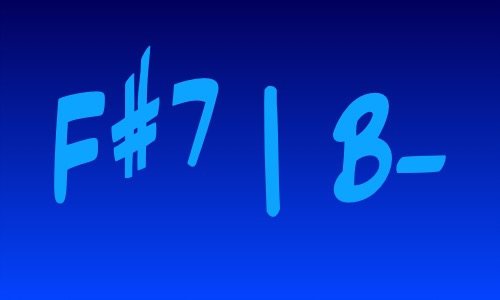
Chords
Major Chords
Minor Chords
Dominant Chords
Diminished Chords
Progressions
Instructions: Click / tap on the chord image above, or press any key to display a random chord symbol or progression. Click "Start Timer" to automatically display a new chord symbol at a fixed interval determined by the tempo as well as the meter settings. To see a preview of the upcoming chord, click "Show Preview." To delay the appearance of the preview when using the timer function, set the number of beats of delay with "Preview Delay." You can filter the possible chords with the Chord and Progression menu. If nothing is selected, chords are chosen from all possibilities.